Overview
You can request customer support using the following methods:
-
Leveraging the Help within your Regology account
-
Visiting the support page at https://regology.atlassian.net/servicedesk/customer/portal/2
-
Emailing support@regology.atlassian.net
Creating a Support Request from the Application
-
Log in to the Regology application.
-
Click on your profile icon in the top-right corner.

-
From the dropdown, select “Help” — this will open the Regology User Guide in a new tab.

The User Guide allows you to:
-
Search for product documentation.
-
Browse articles by category.
-
Navigate to relevant feature guides (e.g., Alerts, Requirements, Reggi, etc.)
Request Support from Outside of the Application
Useful when you cannot access the application due to system access issues. Navigate to https://regology.atlassian.net/servicedesk/customer/portal/2
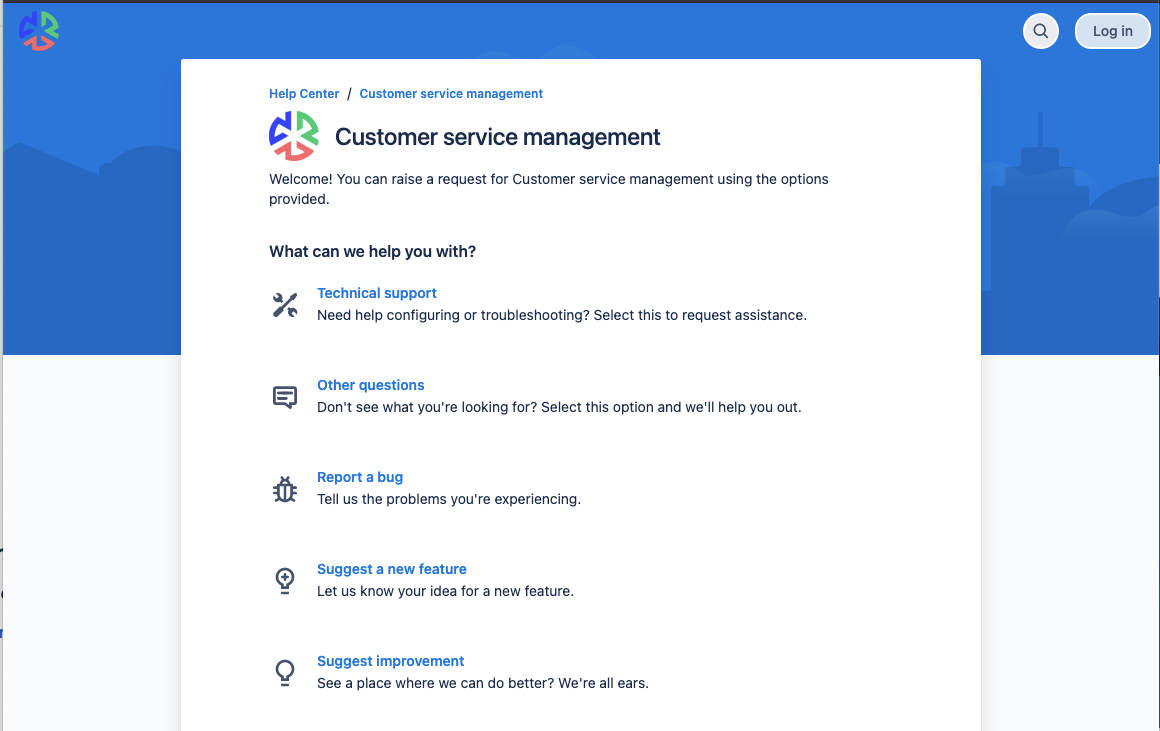
You can create a profile or log in to your account. Logging in or creating a profile helps you check the status of a ticket.
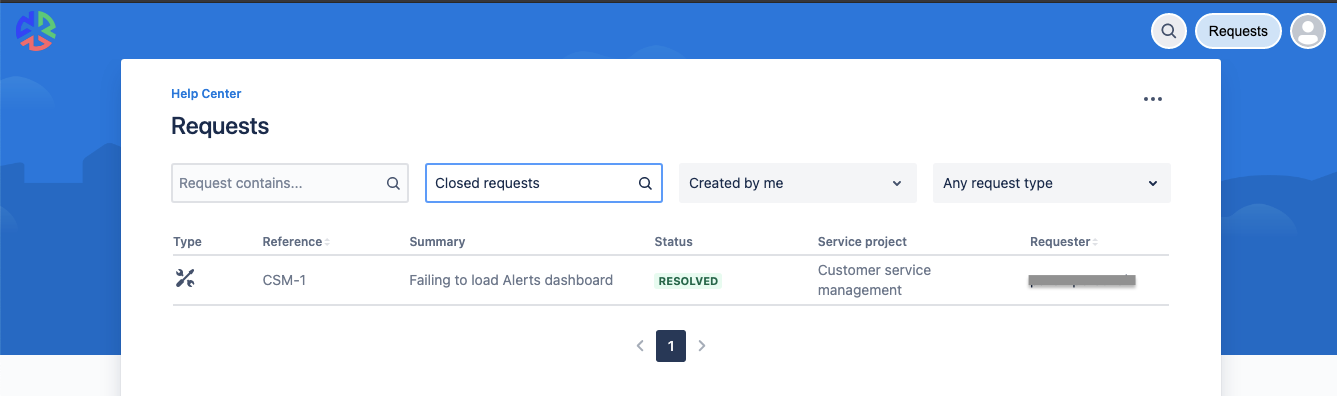
Requesting Support by Sending an Email
You can also create a new ticket by sending an email to support@regology.atlassian.net