

The Alerts Settings section enables administrators to define alert rules and configurations for the account.
Steps to Configure
-
Navigate to Alerts Settings in the System Configuration menu.
-
The Alerts Settings page consists of multiple configuration tabs:
-
Alert Grouping: Choose criteria for grouping alerts (e.g., Jurisdiction, Agency, Master Data Types).
-
Refinement Rules: Define filtering conditions to refine alerts.
-
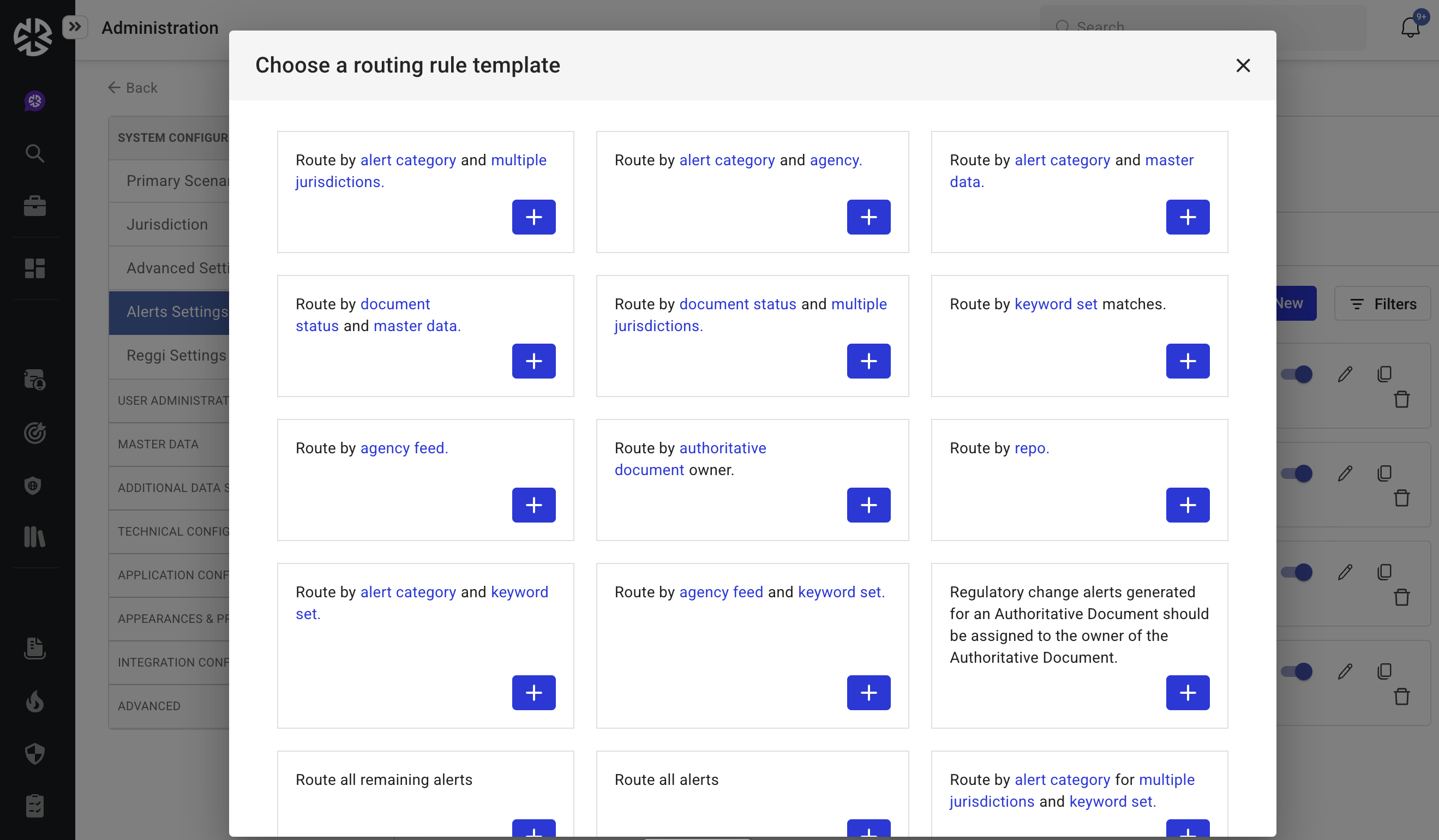
Routing Rules: Set up rules to direct alerts to relevant users or teams.
-
Archiving Rules: Establish retention and archival rules for alerts.
-