

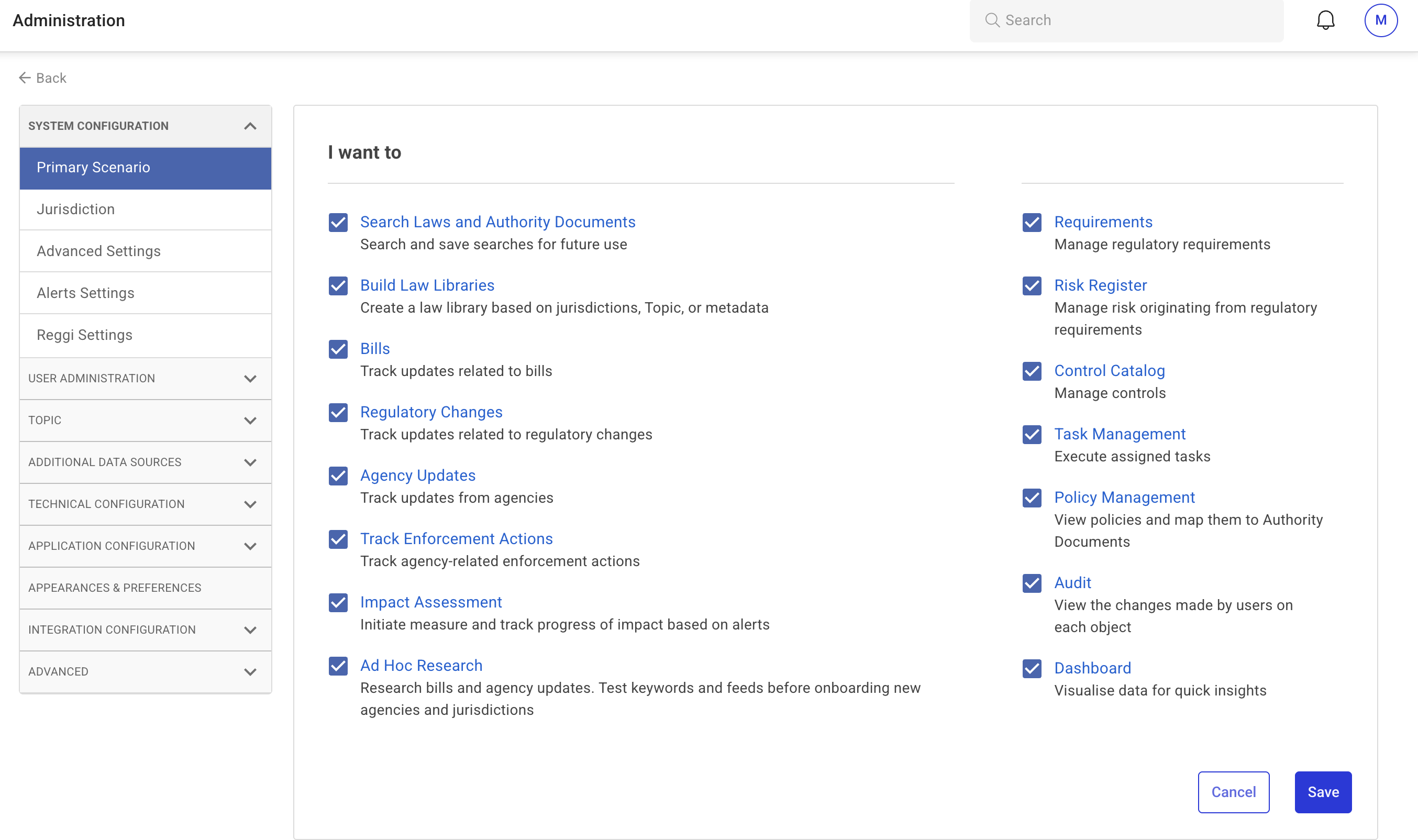
The Primary Scenario section allows administrators to enable specific operations for users.
Steps to Configure
-
Click Primary Scenario from the expanded System Configuration menu.
-
The Primary Scenario page displays a list of features and functionalities available for activation.
-
Select the checkboxes for the features you want to enable.
-
Click Save to apply changes and proceed to the next step.
Depending on the selected configuration, the system may redirect you to an additional settings page. Review and update these settings as needed, then click Save to confirm.